



Give your voice a place in post
Choose where your voice sounds, move distance and reverb, and hear the place.
 AAX and AU (Mac) · VST3 (Mac and PC)
25 USD · one-time payment, no subscription
BUY FOR 25 USDFree 10-day trial, no card needed.
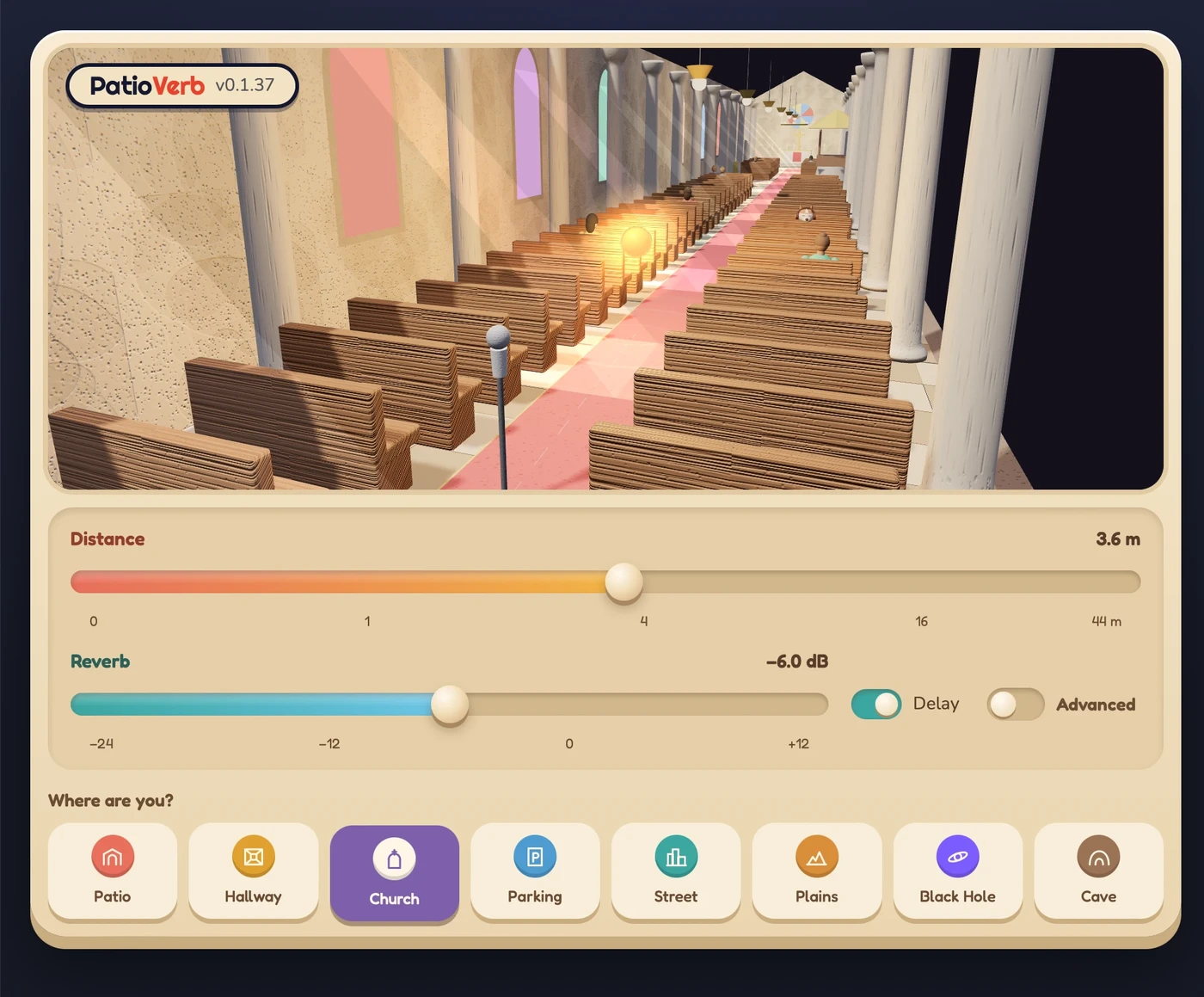
Choose where your voice sounds, move distance and reverb, and hear the place.
AAX and AU (Mac) · VST3 (Mac and PC)
25 USD · one-time payment, no subscription
BUY FOR 25 USDFree 10-day trial, no card needed.
Film and TV dialogue, dramatized podcasts, ADR and video games.
Patio, hallway, church, parking lot, street, plains, black hole or cave. One click and your voice sounds in that place.

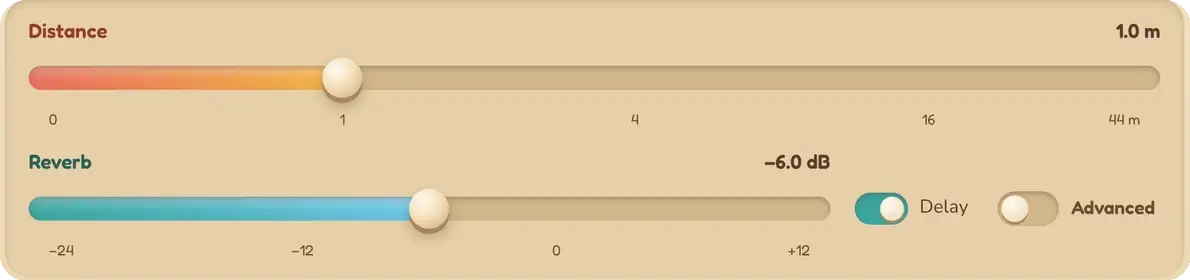
Bring the voice closer or farther with a slider and set how much reverb you want. You can also turn on Delay and Advanced mode.
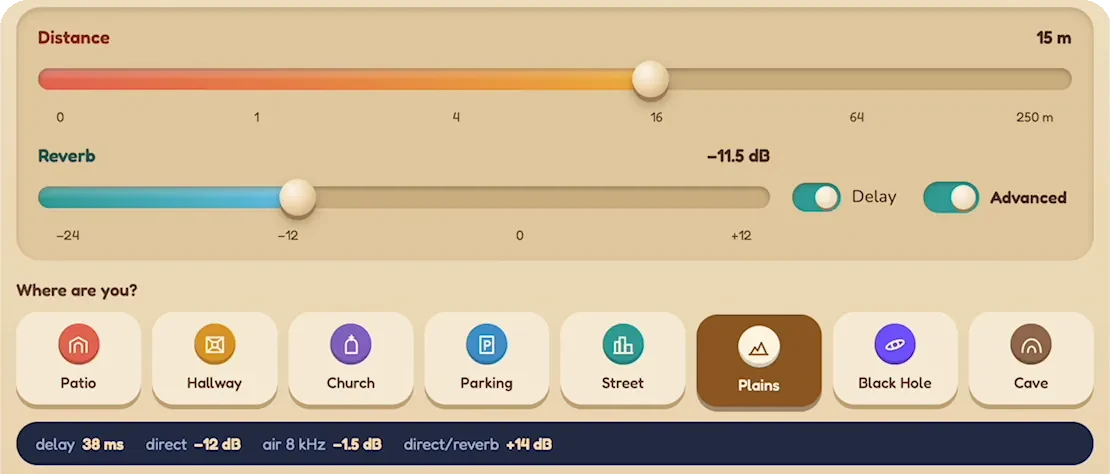
Turn on Advanced and control the space in detail: delay mix, attenuation, output and channels; wall height and thickness; and the place’s reverb: size, decay, pre-delay, diffusion, stereo width and filters. At the top you instantly see the delay, the direct level and the air.
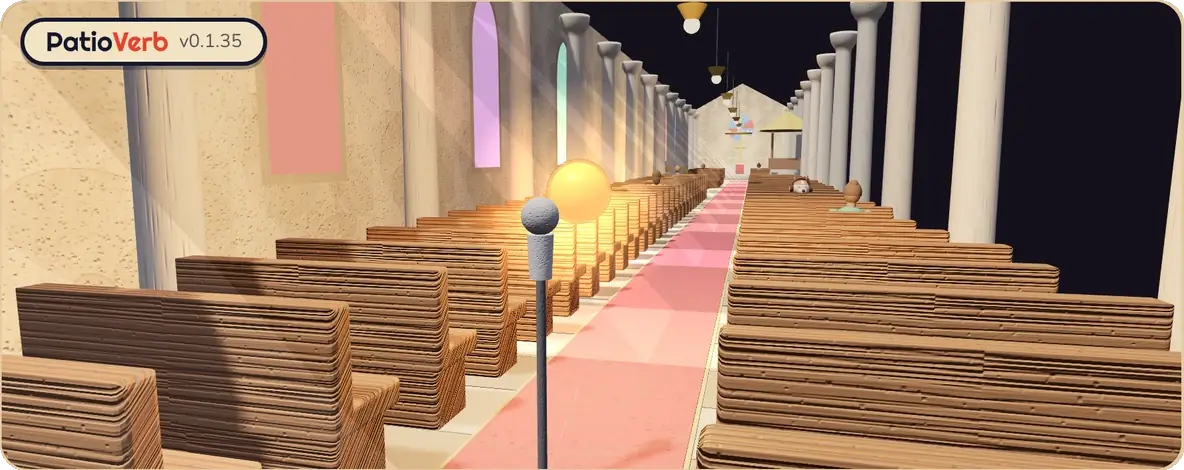
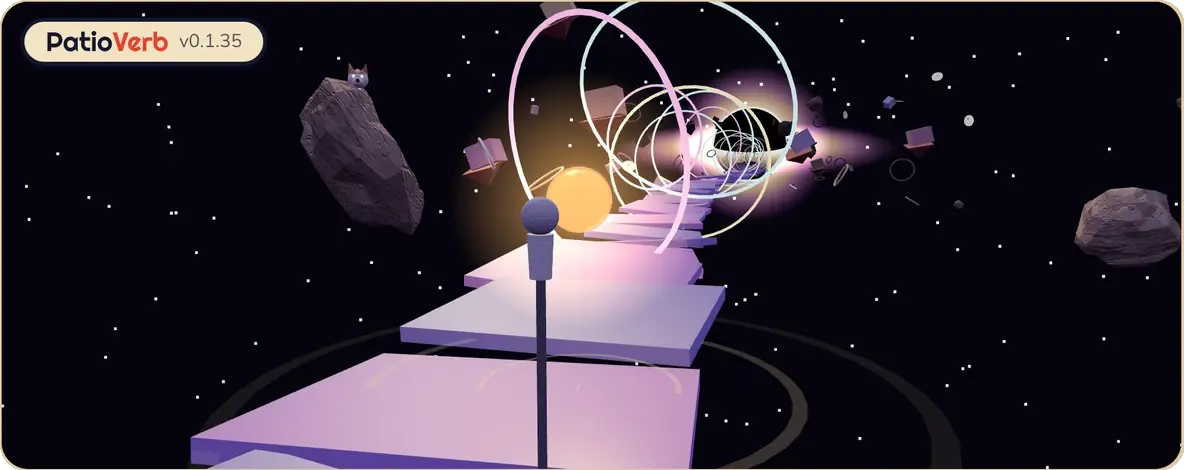
A 3D scene shows where you are: a church with pews or a path floating next to a black hole.
No. You pay 25 USD once. Your license is forever for the version you buy, with bug fixes and minor updates included.
No. It is a 10-day trial, no card needed.
AAX for Pro Tools on Mac, plus VST3 and AU for audio programs that load those plugins.
The installer is not signed by Apple. On Mac, right-click the installer, choose Open, and choose Open again. If macOS then blocks the plugin, go to System Settings, Privacy & Security, scroll to the notice and click Open Anyway.
The sound of the space: reverb simulation, delay and equalization, plus the distance your voice sounds from. In Advanced mode you also set the wall and each place’s reverb: size, decay, pre-delay, diffusion, stereo width and filters.
30-day guarantee: if it doesn’t work for you, we refund the full payment if you ask within 30 days of purchase.