Is it a subscription?
No. You pay 39 USD once. The license is lifetime for version 1, with free fixes, and you can use it on 2 computers.
Does the free trial ask for a card?
No. It is 15 days with all features, on 1 computer.
What if it doesn’t work for me?
30-day guarantee: if it doesn’t work for you, we refund the full payment if you ask within 30 days of purchase.
What doesn’t it do in DaVinci Resolve?
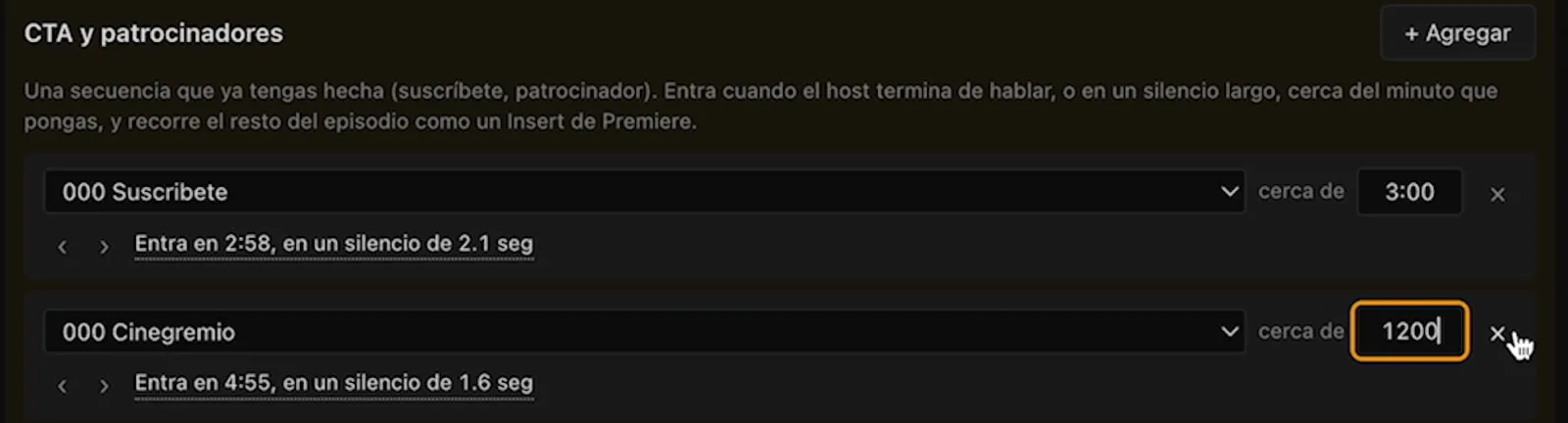
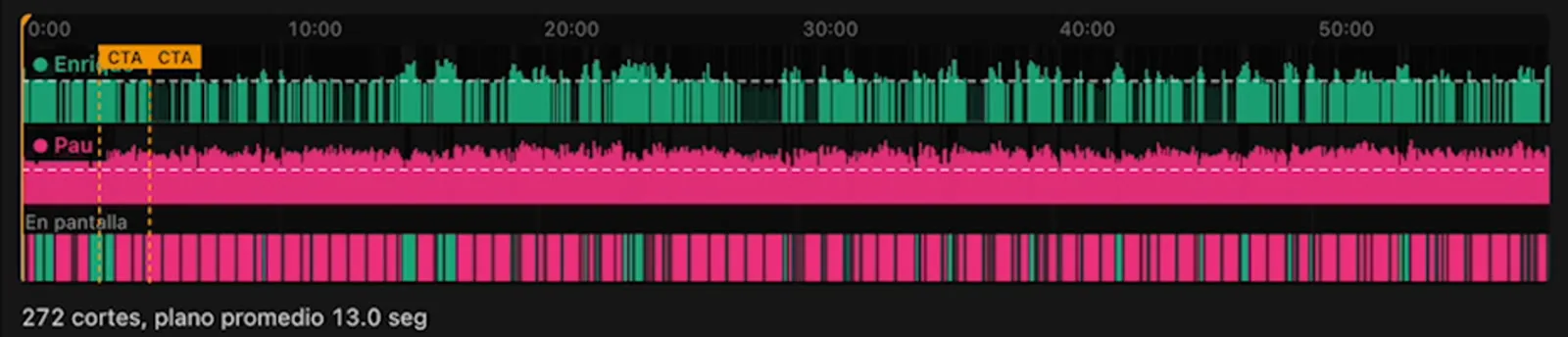
It cuts to whoever is talking and lowers the other mics with audio ducking, putting that result on a new timeline. It doesn’t level voices. Images and videos on top drop in on their own, but CTAs that cut and push the timeline are left as a yellow marker for you to insert.
Does it touch my original sequence?
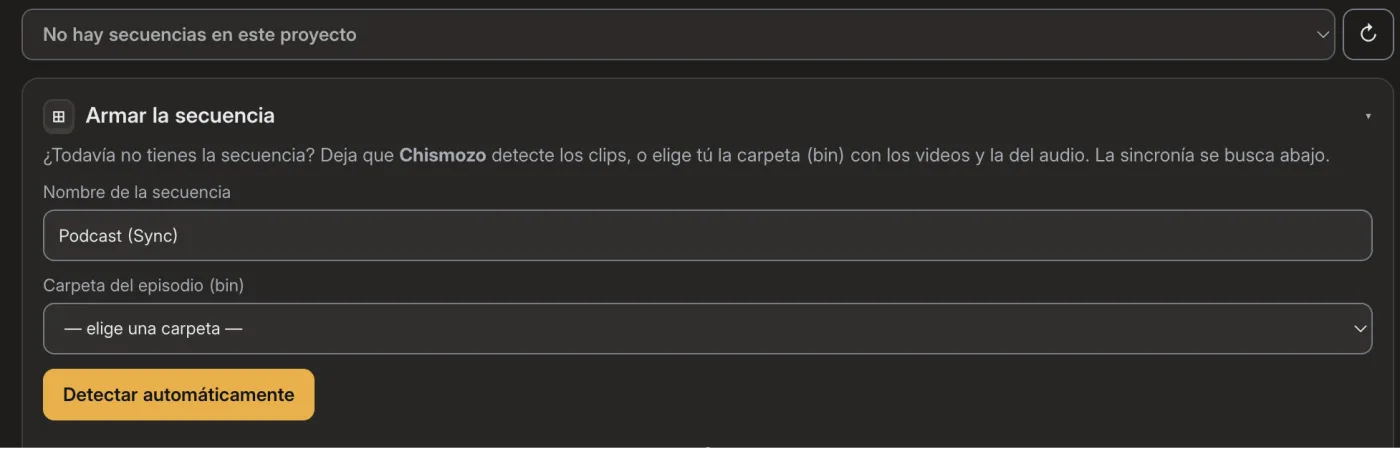
Not if you don’t want it to. It has an option to duplicate your sequence and cut the copy. In DaVinci Resolve it always works on a copy of the timeline.
Do I need internet?
Only once in a while. It checks your license every 7 days and, offline, keeps working for 14 more days.
Where do I write if I have a problem?
Write to support@palameo.com or use palameo.com/en/support. It works for any problem with Chismozo, your license or your purchase.
What does the Shorts tab do?
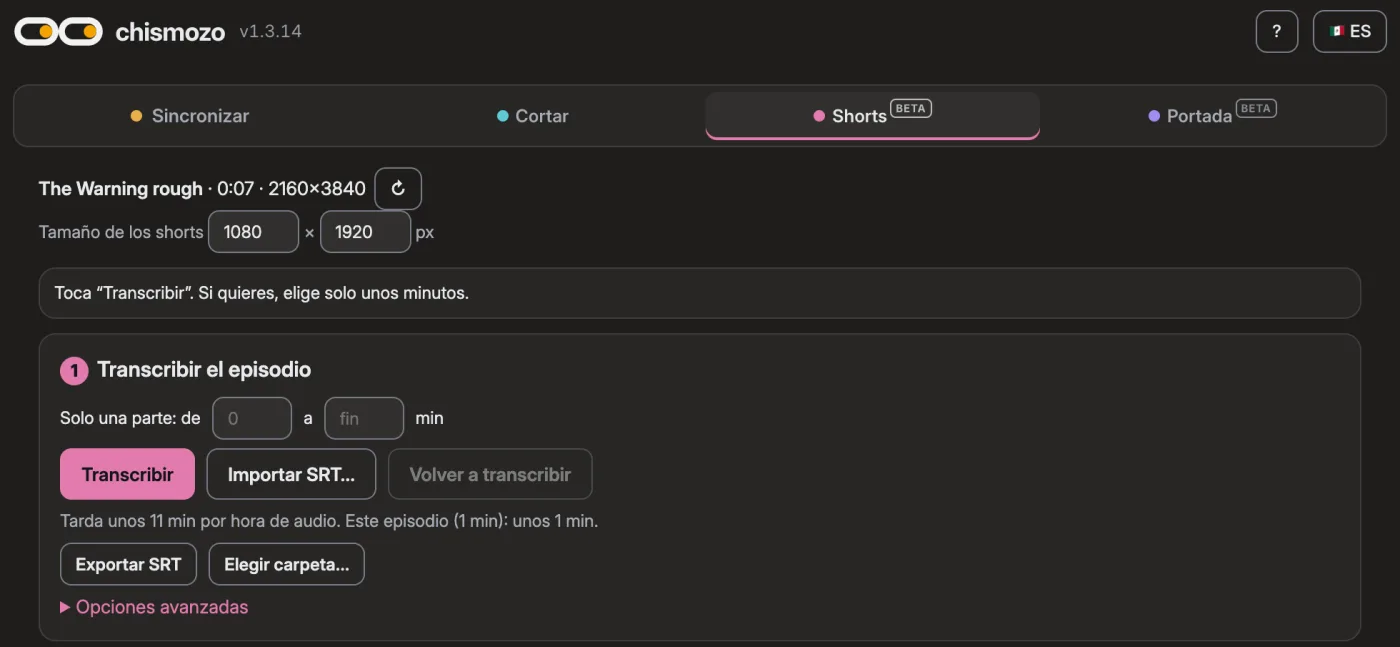
It transcribes your episode, suggests the best moments (you choose how many and how long) and creates each short vertical 9:16, centered on the face, with animated captions. You can preview each short, adjust start and end and fix the captions before creating it.
Is Shorts finished?
It is in beta. It already works and we keep improving it; if something does not come out as you expect, write to support@palameo.com.
Are the Shorts captions automatic?
Yes. They come from the transcript and the word being said is highlighted in the color you pick. You can use your own font and fix any word by hand. In Premiere they also land on an editable track.
Who picks the best moments?
You decide: automatic (big faces, facing the camera, good expression), a local AI on your computer, or Claude with your own key. You can also paste the answer from another AI.
Are my videos uploaded anywhere with Shorts?
No. Transcription happens on your computer. Only if you choose Claude with your key is the transcript text sent; the video and audio never leave your computer.